Game Style Text Effect: Unlocking Dynamic Typography
Every designer knows the frustration of finding the perfect typeface, only to realize it lacks the punch needed for a specific project. Standard fonts are essential for body copy, but when you need to grab attention for a headline, a logo, or a social media campaign, you need more than just a character set—you need an experience. Enter the Start Text, Game Style Text Effect. This is not merely a downloadable font; it is a specialized design asset created specifically for Adobe Illustrator. It functions as a dynamic template, allowing you to transform standard text into high-impact, three-dimensional typography with a distinct retro-gaming personality.
The Visual DNA of the Game Style Effect
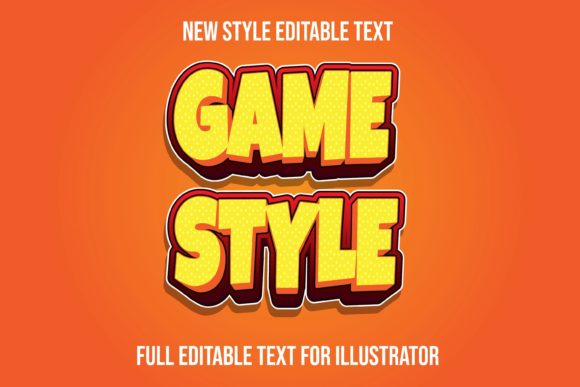
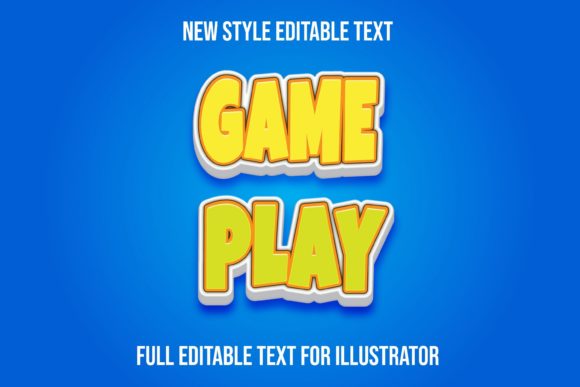
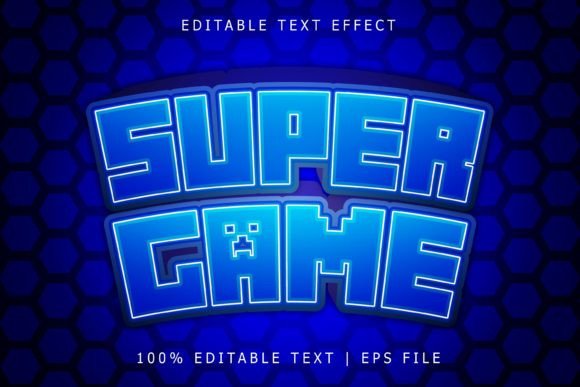
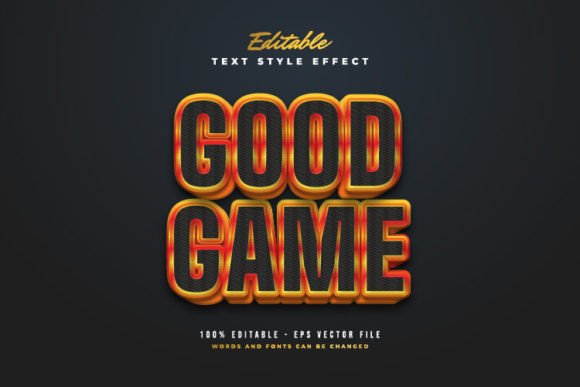
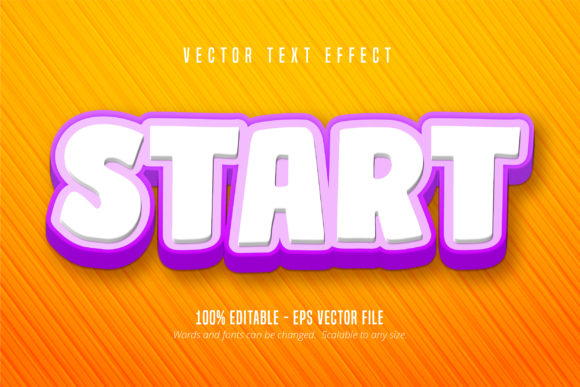
Understanding the aesthetic of the Start Text, Game Style Text Effect is key to using it effectively. Visually, this effect channels the nostalgia of 8-bit and 16-bit arcade culture. It typically features blocky letterforms, bold outlines, and intricate shading that mimics isometric or 3D perspectives. Unlike a static serif font or a clean sans serif font, this effect carries an inherent sense of motion and energy. It feels tactile, as if the letters were physical objects made of pixels or plastic blocks.
The personality of this design asset is unmistakable. It speaks of competition, achievement, and excitement. When applied to text, it immediately signals to the viewer that the content is energetic and engaging. For brand identity projects, this style can position a brand as modern, fun, and tech-savvy. It avoids the stiffness of corporate modern typography, offering a refreshing break from the minimalist trends that dominate current web design. However, because it is a display font effect, it commands attention. It is designed to be seen, not to be read in long paragraphs.
Practical Applications: Where This Asset Shines
The versatility of the Start Text, Game Style Text Effect extends across various mediums, but it truly excels in projects that require a strong visual hierarchy. Because the file is provided as an Adobe Illustrator EPS CS6 file format, it offers a level of editability that standard raster effects cannot match. You can scale it to any size without losing quality, making it suitable for everything from a small app icon to a massive trade show banner.
Here are specific areas where this effect proves invaluable:
- Logo Design: If you are creating a brand for a gaming studio, a tech blog, or a youth-oriented product, this effect provides a solid foundation for a memorable logo. The 3D styling ensures the logo stands out against busy backgrounds.
- Packaging Design: Product boxes for toys, snacks, or electronics often need to pop on the shelf. The Game Style Text Effect adds a tactile, premium feel to packaging headers.
- Social Media Graphics: On platforms like Instagram or TikTok, you have milliseconds to stop a user from scrolling. The high contrast and vibrant style of this text effect are perfect for announcements, sales, and event promotions.
- Web Design: While not suited for body text, it is excellent for hero sections or call-to-action buttons where you want to inject personality.
- Editorial Design: Magazine covers or article headers in digital publications can use this effect to signal a specific genre, such as tech reviews or entertainment news.
Mastering the Tool: Editability and Workflow
One of the most significant advantages of this creative font resource is its 100% editability. Many designers purchase effects only to find they are locked into specific colors or shapes. With the Start Text, Game Style Text Effect, you have full control. Because it is a vector-based effect within Illustrator, you can easily change the base color, alter the shadow depth, or modify the highlight colors to match your specific brand identity palette.
The workflow is designed for efficiency. You do not need to be a 3D modeling expert to achieve complex-looking results. The file is structured so that you can simply edit the text string, and the effect reapplies automatically. This ease of use makes it accessible to hobbyists and crafters who may not have advanced technical skills but want professional-looking results. It bridges the gap between a standard premium font and complex 3D software.
When integrating this into your workflow, consider the font pairing carefully. Because the Game Style effect is loud and decorative, it requires a quiet partner. Pairing it with a geometric sans serif font for subheadings or a clean script font for accent text can create a balanced composition. Avoid pairing it with other handwritten fonts or ornate serifs, as this will create visual clutter and harm readability.
Strategic Considerations for Designers and Marketers
While the aesthetic appeal is strong, professional application requires strategic thinking. As a commercial font asset, you must ensure that the style aligns with the message. For a serious legal firm or a luxury spa, this effect would be inappropriate. However, for a small business owner launching a new energy drink, a gaming tournament, or a retro-themed party, it is the perfect tool to drive engagement.
Readability is another crucial factor. While the effect is scalable to any size, the intricate details of the "pixel" shading may become muddy if the text is too small. Always test your designs at the intended output size. If the text is meant for a mobile screen, ensure the letters are legible at that scale. If it is for print, print a test proof to check how the colors blend on paper.
Finally, remember that this is a premium font effect. Using it demonstrates attention to detail and a commitment to quality. It elevates a design from "homemade" to "professionally crafted." By leveraging the Start Text, Game Style Text Effect, you are not just adding text to a page; you are adding a piece of interactive art that resonates with a generation raised on digital entertainment. It is a powerful addition to any designer's toolkit, offering a unique blend of nostalgia, technology, and creative flexibility.