Revive the Arcade: Authentic Vintage Game Text Style
There is a distinct feeling that washes over you when you see the pixelated, blocky typography of the late 80s and early 90s. It is not just text; it is a trigger for memory, a flash of neon lights, the sound of digital chiptunes, and the tactile sensation of a plastic joystick. If you are working on a project that needs to tap into that specific vein of nostalgia—or if you want to inject a high-energy, retro-futuristic vibe into a modern design—relying on a standard font from your library often falls short. You need a design asset that understands the visual language of that era. This is where the Vintage Game Text Style comes into play, offering a bridge between authentic retro aesthetics and the flexibility required by modern creative workflows.
The Anatomy of 8-Bit Nostalgia
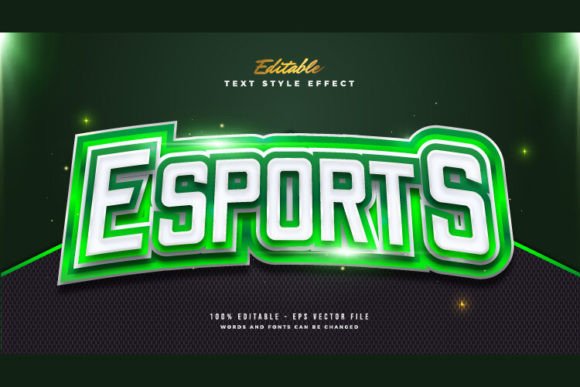
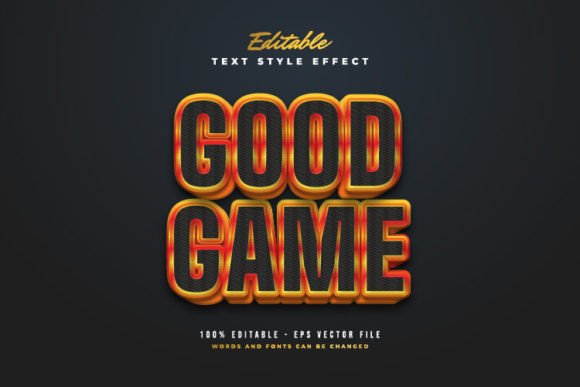
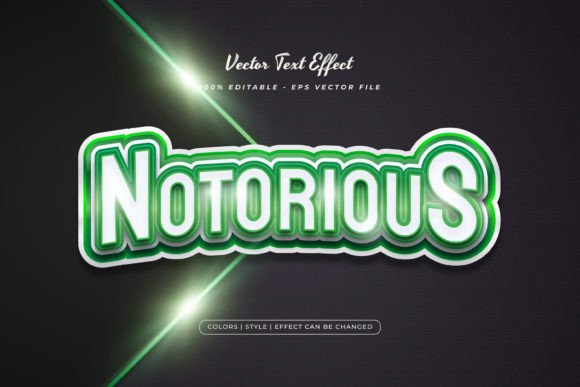
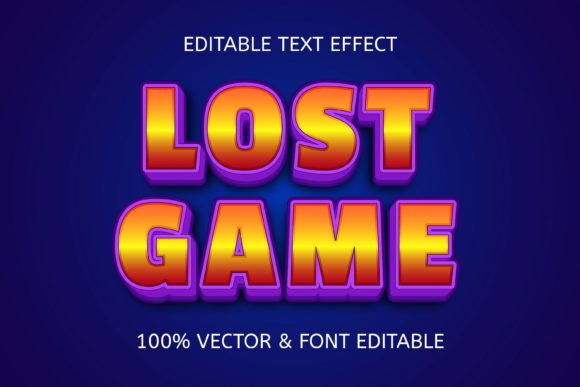
At first glance, this might look like just another retro font, but understanding the difference between a typeface and a text effect is crucial for designers. A standard font is static; it dictates the shape of the letter. The Vintage Game Text Style, however, is a premium font effect designed for Adobe Illustrator. It does not just shape the text; it dresses it up. The visual characteristics here are steeped in the golden age of arcade cabinets. We are talking about chunky, sans serif letterforms that feel heavy and grounded, often mimicking the resolution limitations of early CRT monitors.
The personality of this style is unapologetically bold and energetic. It commands attention through high-contrast colors—think neon pinks against deep midnight blues or electric greens on stark black backgrounds. The style applies complex shading, pixelated edges, and retro gradients that give the text a three-dimensional pop without losing that 2D pixel charm. It captures the "Title Screen" aesthetic perfectly. When you look at it, you don’t just read the word; you feel the arcade energy. It is a design asset that translates the complex layering of vintage game UI into a format that feels fresh and relevant for today’s digital landscape.
Practical Applications: Beyond the Poster
While the obvious application for a Vintage Game Text Style is a poster for a retro gaming night or a flyer for a LAN party, the utility of this design effect stretches much further into commercial and creative territory. For entrepreneurs and small business owners, this style offers a unique way to break through the noise of "clean" and "minimal" modern typography that dominates current branding trends.
Consider the impact this has on social media graphics. In a feed filled with soft pastels and delicate script fonts, a bold, arcade-style headline stops the scroll. It is excellent for announcing flash sales, limited-time offers, or podcast episodes that cover tech and gaming topics. For content creators and streamers, this is essential for channel overlays, subscriber alerts, and merchandise design. It builds a cohesive brand identity that screams "entertainment" and "excitement."
Furthermore, think about packaging design. If you are launching a hot sauce, an energy drink, or a craft beer aimed at a younger demographic or the geek culture market, the Vintage Game Text Style provides an instant visual cue. It tells the consumer that the product inside is fun, bold, and not taking itself too seriously. Even in editorial design, this style works beautifully for pull quotes or section headers in magazines or blogs that discuss pop culture, tech history, or lifestyle content aimed at Gen X and Millennial audiences.
The Editability Factor: Why 100% Matters
One of the biggest frustrations with pre-made design assets is the rigidity. You download a cool image, realize you need to change one letter or adjust the font size, and suddenly the whole thing falls apart because it is a flattened JPG. This is the primary advantage of this specific asset: it is 100% editable.
Because the files are delivered in EPS format, you have total control over every vector point. The claim that it is "Just Click and Change The Texts" is not just marketing speak; it is a workflow necessity. As a designer, you can open the file in Adobe Illustrator, click the text block, and type your own message. The effect applies instantly to your new wording. This allows for rapid prototyping. You can test out ten different headlines for a client in the time it usually takes to render one complex 3D text effect.
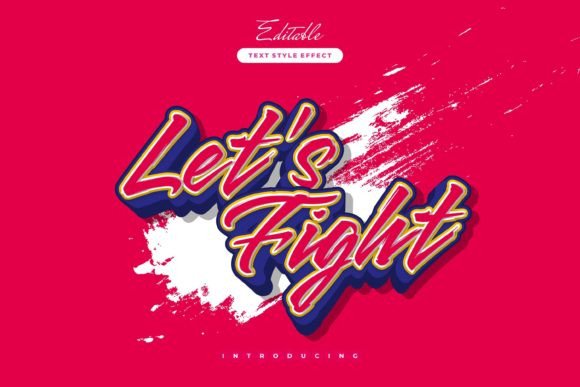
Moreover, the ability to change the font opens up a world of experimentation. While the default setting likely uses a pixel or blocky sans serif font to match the retro vibe, you can swap this out. Imagine applying this heavy, neon-arcade effect to a delicate serif font or a flowing script font. The contrast between the vintage game style and a modern typography choice creates a surreal, artistic fusion that can make a brand identity truly unique. This flexibility ensures that the asset serves you for years, adapting to different project needs rather than becoming a one-trick pony.
Strategic Branding and Visual Hierarchy
When integrating the Vintage Game Text Style into your work, it is vital to think about visual hierarchy and readability. This is a display font effect, meaning it is engineered for impact, not for body copy. You would not use this for a long paragraph of instructions, but it is the perfect vehicle for your H1 headers, your call-to-action buttons, and your logo design elements.
Using this style effectively influences how your audience perceives your brand. It injects a sense of playfulness and approachability. It signals that your brand is culturally aware and taps into the massive resurgence of retro gaming aesthetics. For a small business, using a creative font effect like this can elevate a DIY project to look like professional, premium design work. It provides a level of polish—shadows, textures, and lighting effects—that would take hours to build manually in Photoshop or Illustrator.
However, readability is key. Because the style is textured and detailed, ensure there is enough contrast between the text and the background. If you are placing this over a busy image, consider adding a subtle overlay or a shape behind the text to ensure the message lands clearly. The "Easy to Edit" nature of the file allows you to tweak colors on the fly to ensure your text pops against any background, maintaining a professional standard regardless of the complexity of the design.
Making the Right Choice for Your Project
Choosing the right design assets comes down to evaluating the project fit. Ask yourself: Does my audience appreciate nostalgia? Is the tone of this project energetic, fun, or edgy? If the answer is yes, the Vintage Game Text Style is a strong contender. It is particularly effective for anyone in the creative space—be it bloggers looking to spice up their headers or marketers creating assets for a product launch.
Before finalizing your design, test the font pairings. Since this style is heavy and commanding, pair it with a clean, geometric sans serif font for your subheadings and body text. This creates a balanced visual hierarchy where the "game" style does the heavy lifting for attention, and the clean font ensures the supporting information is legible and easy to digest.
Ultimately, this design asset is about saving time while maximizing impact. It removes the technical barrier to creating complex, retro-inspired typography. You do not need to be a master of Adobe Illustrator’s appearance panel to achieve a high-end look. By leveraging this editable style, you can focus on the message and the strategy, confident that the visual execution will resonate with the modern audience’s love for all things vintage and digital.