Editable Game Over 3D Style Text Effect for Designers
Capturing the Retro Arcade Vibe in Modern Design
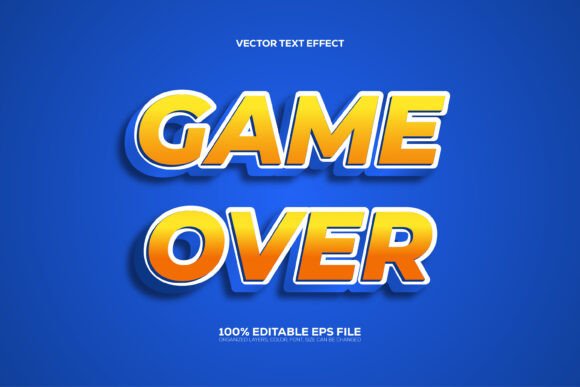
There is a specific nostalgia attached to the "Game Over" screen. It evokes a sense of finality, drama, and the pixelated era of 8-bit entertainment. When translating that energy into modern graphic design, you need a tool that bridges the gap between retro sentiment and contemporary polish. The Editable Game over 3D Style Text Effect does exactly that. It is not merely a font in the traditional sense of a .ttf or .otf file; rather, it is a sophisticated Adobe Illustrator asset designed to transform standard typography into a high-impact, dimensional visual statement.
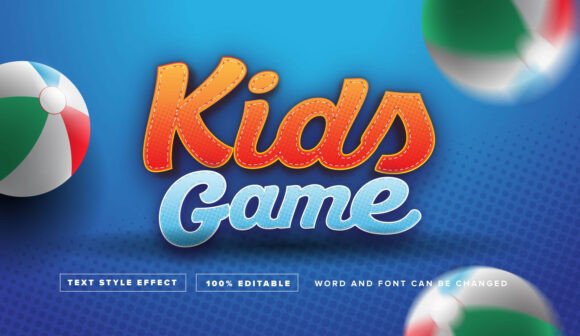
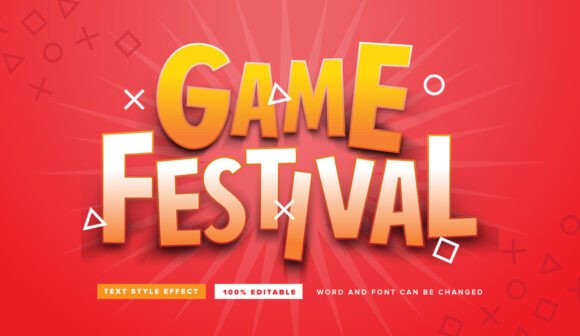
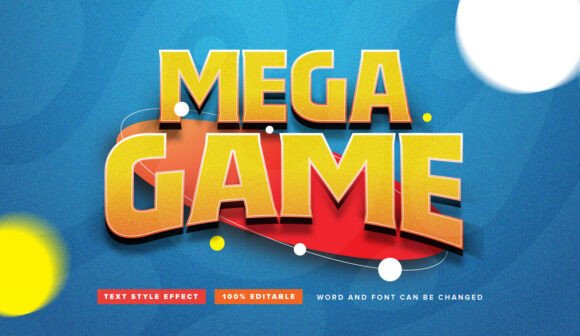
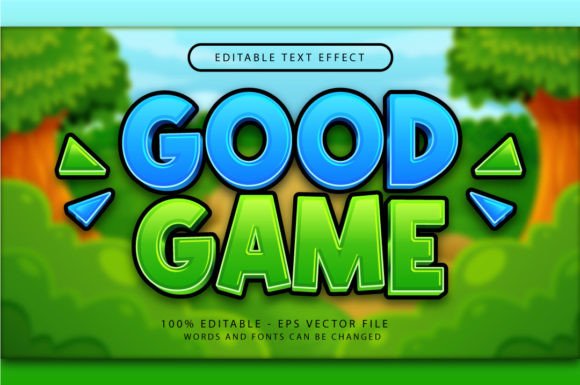
This specific design resource functions through Adobe Illustrator’s Graphic Styles menu. The visual characteristic is unmistakable: a bold, extruded 3D appearance that mimics the lighting and shading of classic arcade cabinets but rendered with modern vector precision. The "personality" of this effect is loud, energetic, and commanding. It grabs the viewer's attention immediately, making it an ideal choice for projects that cannot afford to blend into the background. For a designer, entrepreneur, or content creator, this asset serves as a shortcut to complex typography rendering, allowing you to achieve a premium font aesthetic without spending hours manually creating drop shadows and bevels.
Practical Applications: From Branding to Digital Assets
Understanding where to deploy the Editable Game over 3D Style Text Effect is key to maximizing its value. Because it is a vector-based effect, it scales beautifully across various mediums, but its specific style dictates where it works best.
For branding and logo design, this effect is a powerhouse for specific niches. If you are building a brand identity for a gaming channel, a retro-themed bar, a tech startup focusing on VR, or even a bold streetwear clothing line, this style injects personality instantly. It creates a visual hierarchy where the text is the undeniable focal point. However, for corporate law firms or minimalist luxury brands, the "Game Over" style might be too aggressive. Context is everything.
In the realm of publishing and editorial design, this asset shines on magazine covers, chapter headings in youth-oriented books, or zine layouts. It provides a break from standard serif or sans serif fonts, offering a visual "exclamation point" to the layout. Similarly, in packaging design, it works exceptionally well for product titles on boxes for toys, snacks, or tech gadgets. The 3D depth adds a tactile quality to the print, suggesting that the product inside is just as exciting as the packaging.
Digital Presence and Social Media
For digital creators and social media managers, the Editable Game over 3D Style Text Effect is a valuable addition to a library of design assets. On platforms like Instagram, YouTube, or Twitch, thumbnails and headers need to compete in a crowded feed. A flat, standard title often gets lost, but a 3D, stylized title pops against the noise.
- YouTube Thumbnails: Use the effect for the word "WINNER" or "FAIL" to instantly convey the video's content.
- Event Flyers: If you are designing a flyer for a local gaming tournament or a music event, this typography style sets the mood immediately.
- Web Design: While too heavy for body text, using this effect for H1 headers on a landing page can guide the user's eye exactly where you want it.
Technical Workflow: How to Use and Edit
One of the primary selling points of this asset is its ease of use. Many designers shy away from 3D text because rendering it manually is time-consuming and difficult to edit later. This product solves that pain point through the Graphic Styles panel in Adobe Illustrator.
The workflow is straightforward. You begin by selecting a typeface. While the product comes with a preview, the true power lies in its "100% editable text and font" capability. You can type out your message using any font you prefer—whether it is a heavy sans serif for maximum impact or a quirky script font for a unique twist. Once the text is typed, you simply navigate to the Graphic Styles menu and click the style. Instantly, your flat text transforms into the 3D arcade effect.
Because the layers are well-organized, you retain full control. If you need to change the color scheme to match a specific brand identity, you can do so. The RGB color mode ensures that the colors remain vibrant, which is essential for digital screens. This non-destructive workflow means you can experiment freely. You can try different fonts, change the wording, and adjust the scale without breaking the effect.
Design Considerations and Best Practices
While the Editable Game over 3D Style Text Effect is a powerful tool, using it effectively requires some design sensibility.
Readability vs. Style: 3D text effects can sometimes compromise legibility, especially if the font chosen is overly intricate. It is best to pair this effect with bold, clear typefaces. A thin, delicate font might get lost in the 3D extrusion. Test your design by viewing it at the actual size it will be displayed—whether that is on a mobile phone screen or a printed poster.
Visual Hierarchy: Do not overuse this effect. If every word on your page is in 3D, nothing stands out. Use it for headlines, titles, or single impactful words. Let the surrounding content use clean, readable typography (like a standard sans serif or serif font) to provide contrast and rest for the eyes.
Color Management: Since the file is set to RGB, it is optimized for screens. If you intend to use this for print (packaging or flyers), you will need to convert the color mode to CMYK within Illustrator. Be aware that some vibrancy might be lost in the conversion, so manual adjustment of the color values may be necessary to maintain that punchy, arcade look on paper.
Commercial Use and Licensing
For entrepreneurs and small business owners, the licensing of design assets is a critical consideration. This product is designed for commercial use, meaning you can incorporate the resulting designs into merchandise, client work, and marketing materials. However, you cannot resell the source file itself. It is an asset to be used in a design, not the design itself to be traded. Always ensure your final output is a flattened image or a customized vector that incorporates the effect into a larger composition.
Conclusion: A Strategic Asset for Creative Projects
The Editable Game over 3D Style Text Effect is more than just a visual gimmick. It is a strategic asset for anyone looking to inject energy and nostalgia into their visual communications. Whether you are a graphic designer looking to speed up your workflow, a marketer aiming to create scroll-stopping social media graphics, or a hobbyist creating custom merchandise, this tool offers a professional result with minimal effort. By combining this 3D effect with strong typography choices and a clear understanding of your project's context, you can create designs that are not only visually striking but also highly effective in engaging your audience.